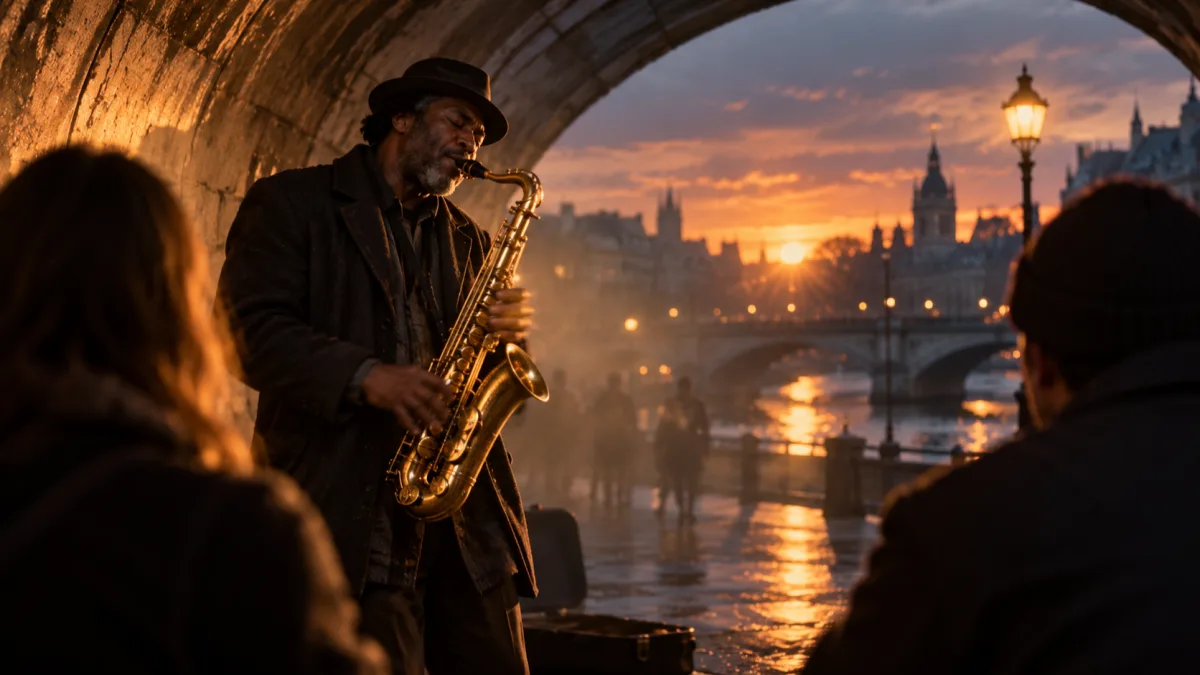
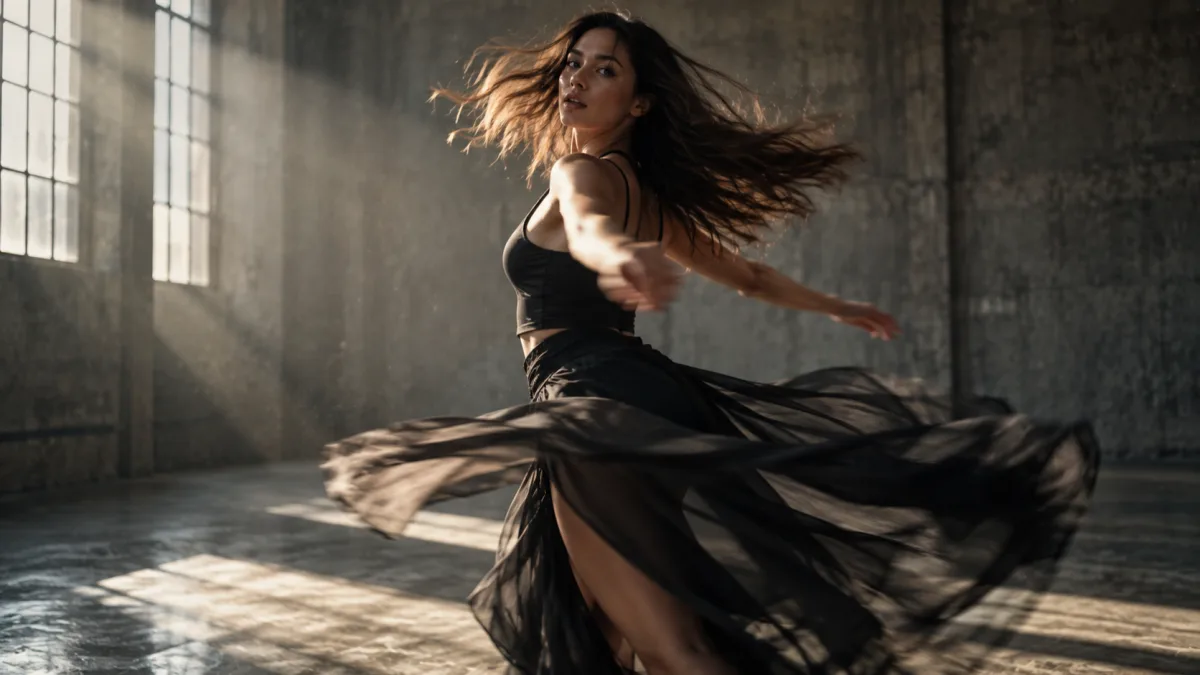
Vogoo text to video AI turns a written prompt into a short MP4 clip. Describe the shot, then pick from 23 text to video AI models across ten labs — up to 4K, up to 20 seconds, most with native audio.
Describe the video content, such as scene, action, style, etc.
Quick prompts
Drone shot over a neon city at night, rain reflectionsGolden retriever running through autumn leaves, slow motionOcean waves on a black sand beach at sunset, cinematic
Video Preview
Ready for Generating
What Is Text to Video AI?
Text to video AI turns a written description into a moving clip — no camera, no footage, no timeline. The model invents the scene and renders it frame by frame.
Image to video animates a picture you already have. Text to video AI invents the subject, framing and motion at once, so prompt wording matters far more.
Vogoo AI keeps 23 text to video AI models from ten labs behind one prompt box — switching model is two clicks, not a second subscription.
What Makes This Text to Video AI Generator Different
One prompt box, 23 text to video AI models, native audio and up to 4K — what decides whether a prompt becomes a usable clip.
Twenty-Three Text to Video AI Models, One Prompt Box
No model wins every prompt: one nails human motion, another holds a product shot, a third is cheaper for drafts. This AI video generator keeps all 23 text to video AI models in one dropdown, so a weak render is re-run instantly.
Native Audio Rendered With the Picture
Seventeen of the text to video AI models score the clip while they render it — ambience, room tone, footsteps, dialogue timed to the mouth on screen. That audio ships inside the same MP4, with no second pass.
Up to 4K, Up to Twenty Seconds
Clip length runs from 2 seconds on Wan 2.7 to 20 seconds on LTX 2.5 Fast and FLUX 3, and resolution reaches 4K on LTX. Most text to video AI work sits at 1080p.
Shot Controls Instead of Prompt Roulette
Duration, aspect ratio, resolution, audio, negative prompt, seed and a fixed-camera toggle sit beside the prompt box. Reusing a seed with one edited phrase is how a text to video AI shot gets iterated deliberately instead of re-rolled at random.
One Free AI Video a Day, Then Credits You Can See
Every visitor gets one free AI video a day on the Vogoo AI homepage — no account, no card. Most tools hide credit usage until it runs out; here each text to video AI model prints its cost on the generate button before rendering.
Compare Text to Video AI Models by Resolution, Length and Cost
Every model reads the same prompt, then differs on resolution, clip length, sound and price. The short version of those trade-offs.
Text to video models available in Vogoo AI, with maximum resolution, clip length, native audio support and starting credit cost.
Model
Max resolution
Clip length
Audio
Credits from
Seedance 2.0
1080p
4–15s
Yes
68
Seedance 2.0 Mini
720p
4–15s
Yes
23
Veo 3.1
1080p
Model default
Yes
90
Runway Gen-4
1080p
5–10s
No
20
LTX 2.5 Fast
4K
6–20s
Yes
200
FLUX 3
1080p
5–20s
Yes
300
Six of the 23 text to video AI models are listed here; the rest sit in the dropdown. Credit costs rise with duration.
Who Uses Text to Video AI Generator
Creators, paid social teams, sellers and teachers arrive the same way: the script exists, the footage does not.
Score a Script You Already Wrote
Small YouTube creators put pictures behind narration they wrote themselves, instead of paying a stock library.
Test Three Ad Cuts Before Lunch
Paid social teams generate three variants of one hook and keep whichever cut earns the cheapest click.
Show a Product You Only Photographed
Ecommerce sellers put an item in motion when the catalogue holds one flat studio photo.
Answer a Client Brief the Day It Lands
Agency producers turn a brief into three concepts overnight, then spend real budget only on the survivor.
Block Out a Shot Before the Crew
Directors and editors previsualise framing and camera move as a clip, not a storyboard everyone reads differently.
Illustrate What a Slide Cannot
Teachers render a cell dividing or a supply chain moving, which a static deck never quite showed.
How to Turn Text Into Video in Three Steps
Describe the shot, pick a model, then generate and download the MP4. No timeline, no install.
01
1
Step 01
Describe the Shot
Write what the camera sees, in order: subject, action, setting, light, camera move. Concrete nouns beat adjectives — "a barista pours milk into a flat white, slow dolly in" beats "beautiful coffee video".
02
2
Step 02
Pick a Model and Set the Shot
Choose one of the 23 text to video AI models, set duration, aspect ratio and resolution, and decide whether the clip needs native audio. The credit cost updates on the generate button.
03
3
Step 03
Generate, Then Download the MP4
Rendering takes one to eight minutes, then the clip plays in the preview panel. Download the MP4 clean, keep the seed when the shot is close, and re-run it on a second text to video AI model.
Text to Video AI Specs and Limits
What this text to video AI generator takes, returns and costs — the numbers worth knowing up front.
Input, output, limits and pricing for the Vogoo text to video AI generator.
Spec
What the text to video AI generator does
Input
A written prompt; no upload required
Models
23 text to video AI models, 10 labs
Clip length
2 to 20 seconds, model dependent
Resolution
720p, 1080p, 2K or 4K, model dependent
Audio
Native audio on 17 of the 23 models
Free tier
1 free AI video a day, no account
Credits
From 20 credits a clip in the studio
The free AI video generator on the Vogoo AI homepage needs no account and no card. Generating here spends credits and needs a free account: new accounts start with 15 credits plus daily check-in rewards, and the cheapest clip costs 20 credits.
Text to Video AI Questions
Cost, the free tier, watermarks, clip length, prompt accuracy, commercial use and sound.
Is This Text to Video AI Generator Actually Free?
One free AI video a day on the Vogoo AI homepage: prompt, generate, download — no account, no card. That daily cap is the real limit, stated up front. Generating here spends credits and needs a free account.
How Much Does One Text to Video AI Clip Cost?
The generate button prints the credit cost of the current model and settings before rendering, so nothing is spent blind. Text to video AI runs from 20 credits on Runway Gen-4 to 500 on MiniMax H3, rising with duration and resolution.
What Is the Best Text to Video AI Generator?
No single model wins everything, so this AI video generator keeps all 23 in one dropdown: Seedance and Kling for human motion, Veo 3.1 and LTX for polish, Runway Gen-4 for cheap drafts. Run one prompt on two, keep the better take.
How Do I Turn Text Into a Video?
To turn text into video, write a prompt covering subject, action, setting and camera move, choose a text to video AI model, set duration and aspect ratio, then generate and download the MP4.
Do Text to Video AI Clips Have a Watermark?
Studio renders download as clean MP4 files with no burnt-in Vogoo AI mark, at whatever resolution the model renders. The free daily video on the homepage carries a watermark for guests; sign in and it downloads clean.
How Long Can a Text to Video AI Clip Be?
Between 2 and 20 seconds depending on the model. Wan 2.7 starts at 2 seconds, most sit in the 4 to 15 second band, and LTX 2.5 Fast and FLUX 3 reach 20. For longer, Video Extend continues a clip.
Why Does the Clip Not Match My Prompt?
Text to video AI invents every element, so loose adjectives get interpreted freely. Name the subject, action and camera move explicitly, put what you do not want into the negative prompt, and keep the seed when a render lands close.
Can I Use Text to Video AI Clips Commercially?
Vogoo AI claims no ownership of what you generate, but each model carries its own provider terms and those differ. Check the terms of the model you used before a clip runs as an ad.
Do Text to Video AI Clips Include Sound?
Seventeen of the 23 text to video AI models render native audio in the same pass — ambience, effects and dialogue inside the MP4. The other six return silent video, which Text to Music can score.
Write one sentence, pick from 23 text to video AI models — up to 4K, 20 seconds, most with native audio — and download a clean MP4 from a free AI video generator.